


.avif)

How an Automotive Giant Conducted a Virtual Training with 3D Immersive Learning Experiences for a Product Launch


Product launch training runs against a deadline that nothing can move. The product ships on a date, the people selling and supporting it need to understand it before then, and the usual first option, putting the product in front of them, is rarely available in time or at the scale required. Slides and specification sheets fill the gap and produce people who can quote a feature list without having any sense of the thing itself.
An automotive company came to our team ahead of a major product launch. The objective was to bring out the feature sets and the advantages of the product through training that would help market it well, and the company wanted an experience as close to real life as it could be made.
The Challenge
The complexity of the product was what made this difficult. The designs and functionalities that needed to be highlighted were intricate, and intricate engineering is exactly the kind of content that flattens out when it is reduced to a diagram and a bullet list.
Anyone who has to sell or explain a piece of engineering needs to understand where a component sits, what it does in relation to everything around it, and why the design choice matters. None of that survives the translation into a static image, and the launch timetable did not allow for hands-on access to the product itself.
How the Solution Was Built
Our aim was to use the technology available and combine it with the right blend of strategies to produce the intended effect. We simulated the product features using a 3D model and built in the means for learners to interact with it directly, which is what makes the experience genuinely immersive rather than simply illustrated.
A model the learner explores rather than views
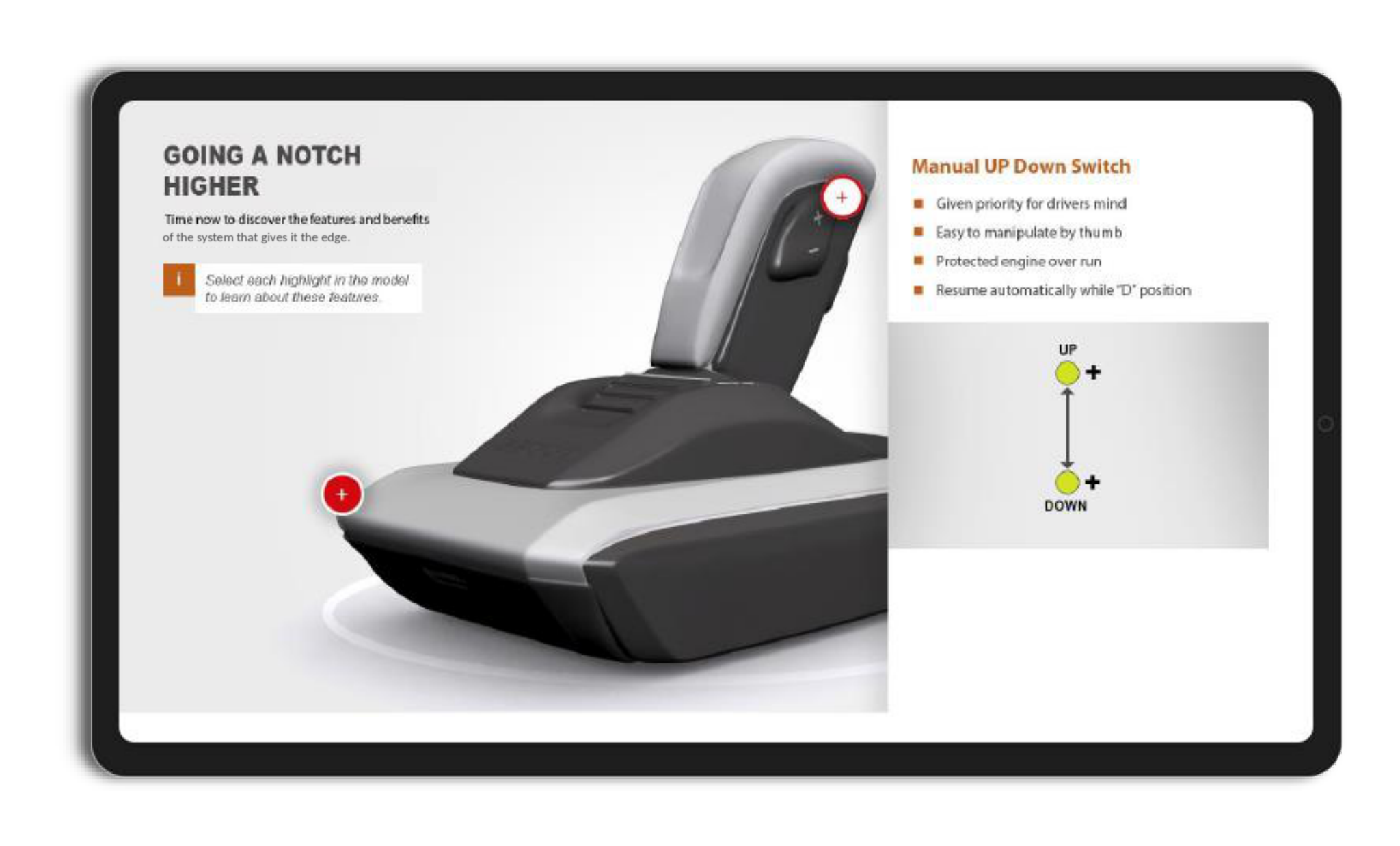
The component sits on screen as a 3D model with highlighted points placed on it, and the learner is invited to select each highlight to find out about that feature. Choosing a point brings up what it does and why it matters, alongside a small diagram showing the movement or behavior involved.
The difference between this and an annotated photograph is the order of operations. An annotated image tells the learner what to look at. A model with selectable points lets them look first and ask second, which is closer to how someone actually gets to know a piece of equipment and produces a much better recall of where things are.
Video carrying the product in context
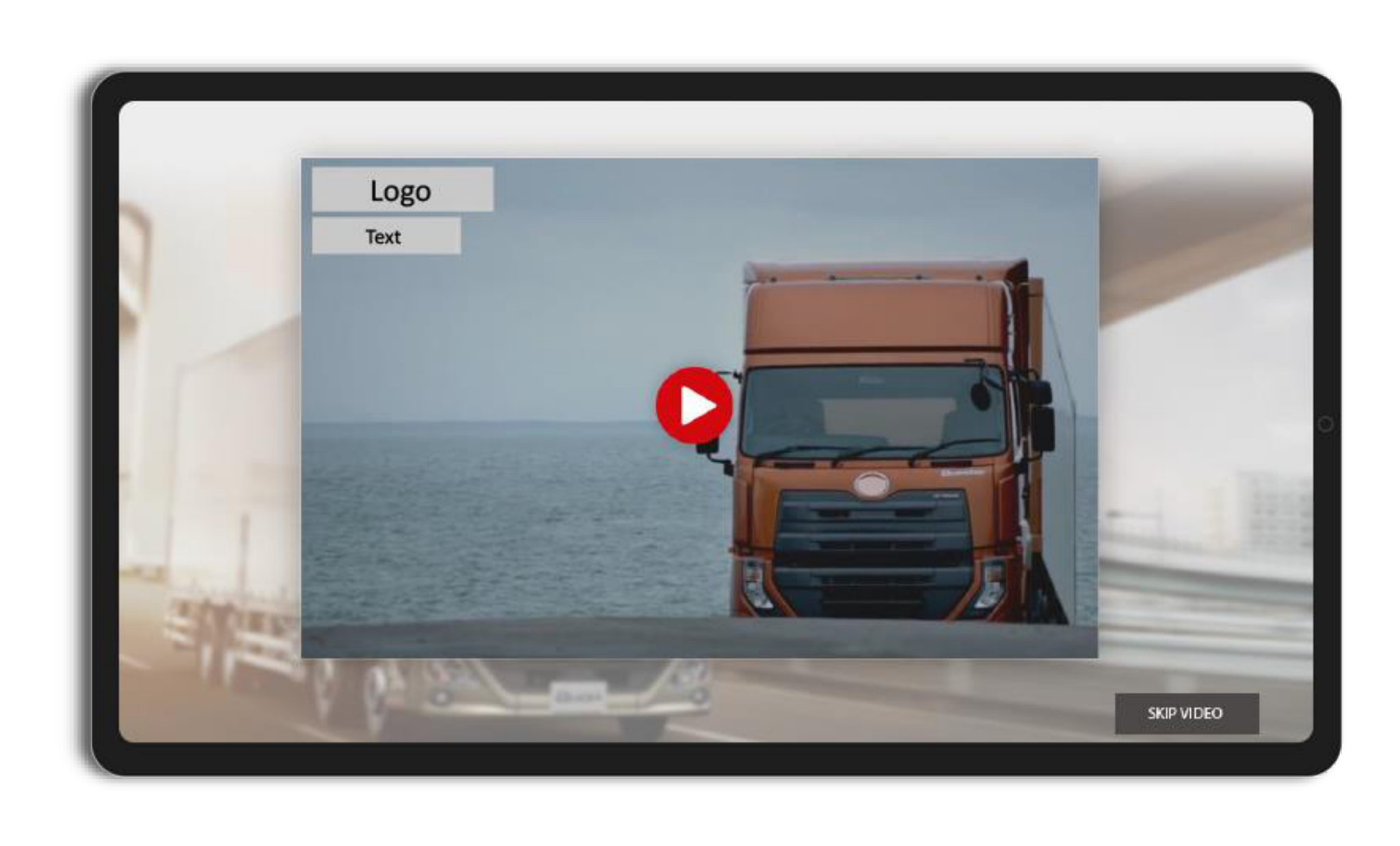
Comprehensive, high quality video sits alongside the 3D work, showing the product in the environment it was built for rather than isolated on a neutral background. The two formats do different jobs. The model explains how something works and the video establishes what it is for, and a learner who has both can talk about the product to a customer in either register.
Knowledge checks built into the 3D interactions
Rather than testing the learner with a separate question set, the knowledge checks are simulated through the 3D interactivities themselves, so demonstrating understanding means doing something with the model rather than recognizing the right answer in a list.
The whole program is a fully mobile responsive output, which mattered for an audience distributed across sales and support functions who needed to work through it before a fixed launch date.
The Strategies Behind the Design
Five strategies power the solution.
- 3D Simulation
- Immersive Learning
- Video-Based Learning
- Responsive Designs
- mLearning
Next generation strategies sit behind these, with delivery through mobile learning served on the client LMS and LXP.
The Impact
Learners reported that they were able to take in the product features effectively, which is the primary requirement for launch training and the point at which most of it fails. The 3D interactivities were credited with increasing engagement and participation, so the format did not simply deliver the content but held people in it.
The organization met its marketing agenda within the time available. On a launch program that is the result that counts, because the training is only useful if it lands before the product does.
The last outcome is the most interesting. The training prompted the product marketing team to commission an interactive user manual built along the same lines. A learning asset that changes what a neighboring function decides to build has demonstrated its value more convincingly than any completion figure could.
Get a Team Ready Before the Product Ships
Launch training fails when it substitutes description for familiarity. This program avoided that by letting people explore the product as a model they could handle, using video to place it in its working environment, and turning the assessment into something learners did with the model rather than answered about it. If you have a launch coming and need people who understand the product rather than the deck, Liberate can help you build it. Get in touch to talk it through.

subscribing!
Related Case Studies